Keeping homeschool records comes down to three habits: one central place to file everything, a short log you fill in weekly, and a monthly check where you tidy and back up. Start by checking what your state actually requires, then build a folder structure that matches your family’s style, paper, digital, or a mix of both. The whole setup takes about an hour, and the weekly time it takes afterward is closer to ten minutes than ten hours.
Most families who struggle with this are not lazy. They are trying to keep a perfect record of a messy, ordinary life, and the system collapses by October. The ones who stick with it keep fewer things and file them on a schedule. That is the difference this guide is built around.
One note before you start: homeschool law is state-level and it changes. Nothing here is legal advice. Treat your state department of education website as the source of truth, and consider a membership with a legal resource group such as HSLDA if you want attorney-reviewed state guidance.
Table of Contents
- What You Need
- For the paper option
- For the digital option
- For the hybrid option
- What you do not need yet
- Step-by-Step: How to Keep Homeschool Records
- 1. Decide What Your State or School Requires
- 2. How to Keep Homeschool Records in One Central System
- 3. Create a Simple Folder Structure
- 4. Keep a Weekly Learning Log
- 5. Save Evidence of Learning and Activities
- 6. Review and File Records Monthly
- 7. Back Up and Protect Your Records
- Common Mistakes
- Over-documenting every moment
- Naming files ten different ways
- Skipping attendance records
- Keeping everything in one place
- Not backing up digital files
- Treating scratch notes as required documents
- Frequently Asked Questions
- What records do I need to keep for homeschooling?
- How long should I keep homeschool records?
- Do I need to keep a formal lesson plan?
- What if my child is unschooled rather than following a homeschool curriculum?
- Should homeschool records be handwritten or digital?
- What to Do First This Week
What You Need
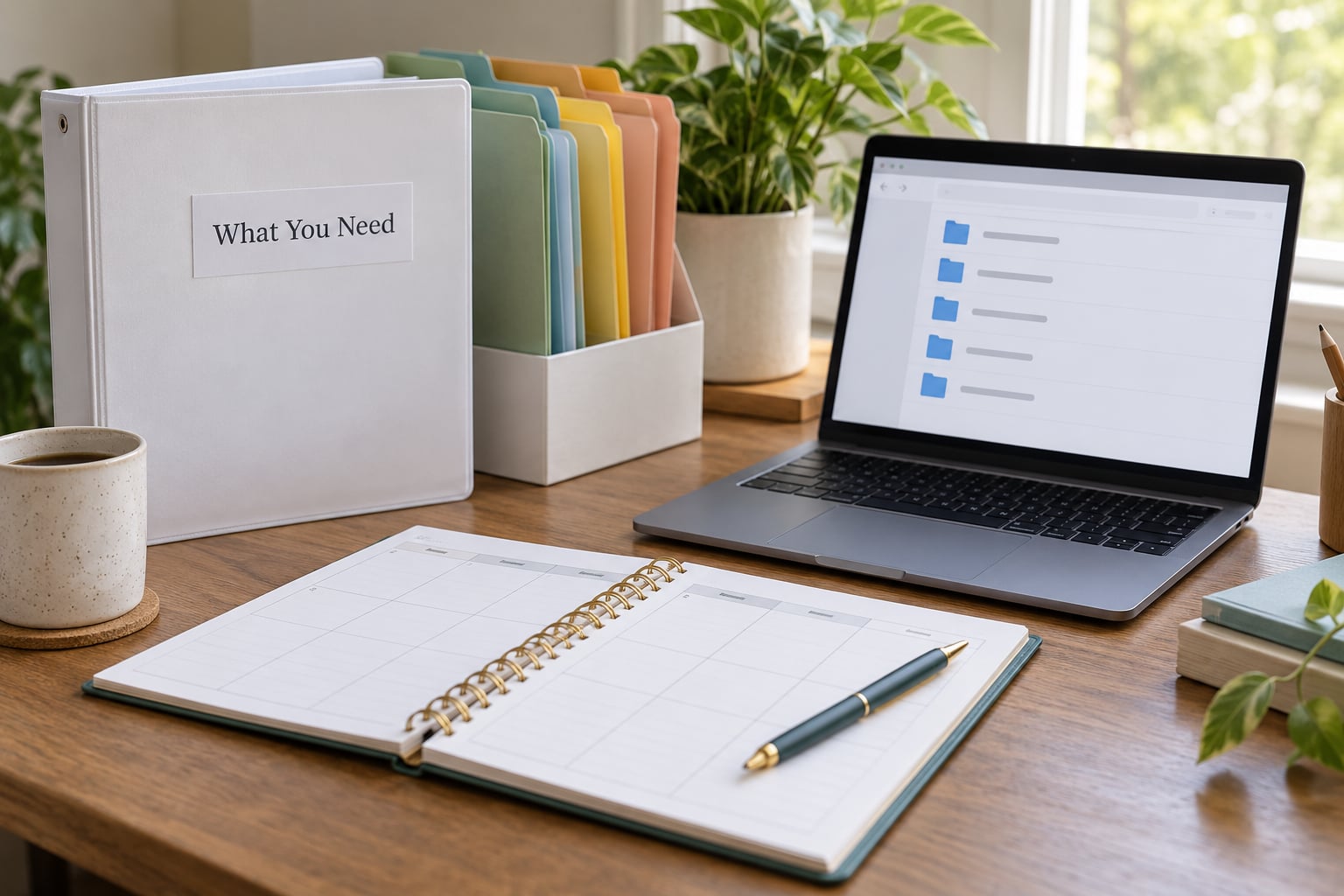
You need two things: one primary system you use every day, and one backup that catches you when the primary one fails. Everything else is optional. That pairing is the single most useful idea in this whole process.
For the paper option
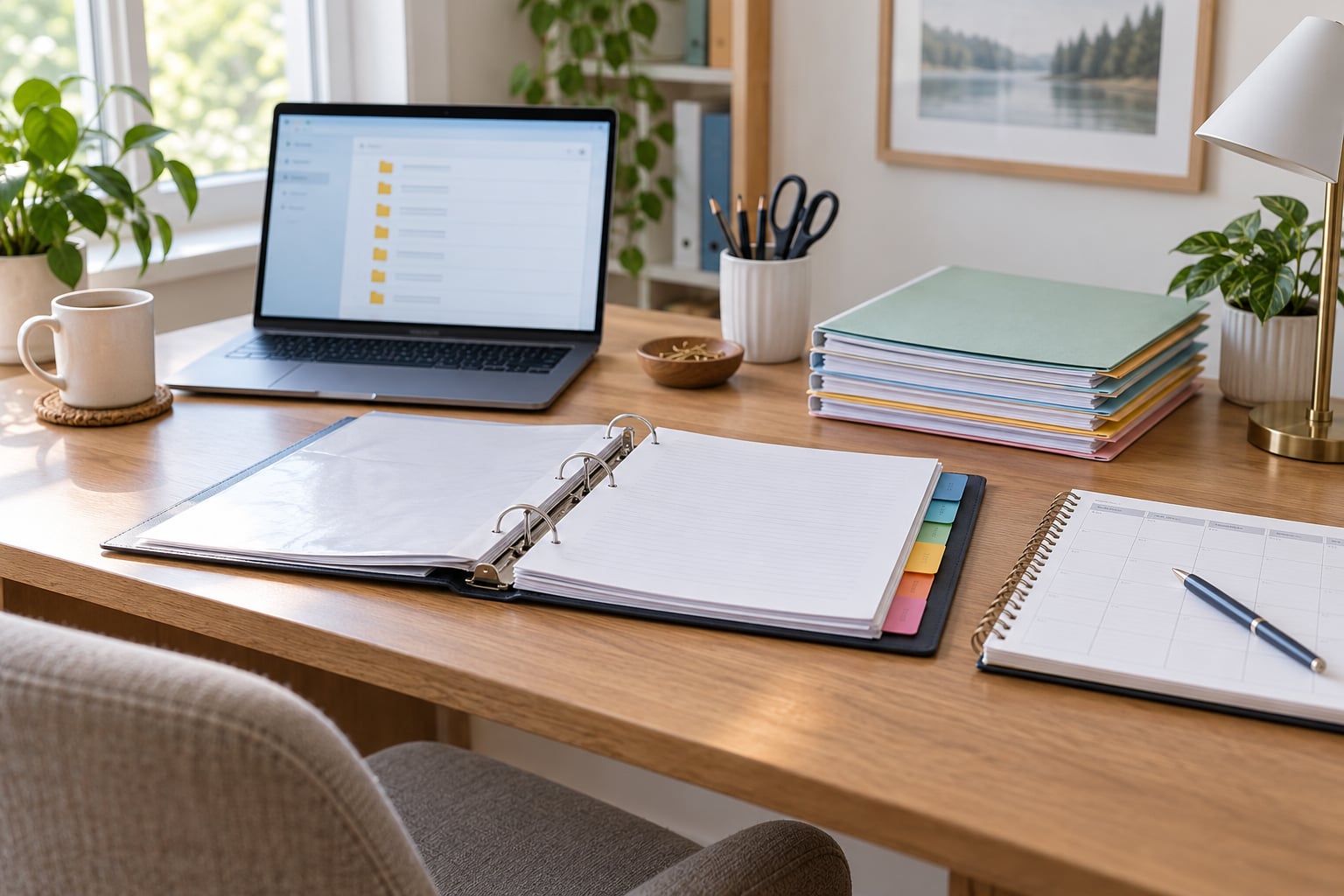
- A three-ring binder with tabbed dividers, one per school year
- A second binder or a portfolio box for work samples you want to keep longer
- Clear sheet protectors so ink and fingerprints stay off finished work
- A hole punch or staple remover you keep with the binder, not in a random drawer
- A small accordion file for the current year’s compliance paperwork
The parents who have this figured out for a decade are not more organized than you. Many of them let work pile up in a tote all year and then sort it into the binder during a single week at the end of the school year. Both approaches work. The pile method costs less attention during the year and more effort at the end, which is the right trade for some families and the wrong one for others.
For the digital option
- A cloud storage folder set up as your master archive
- A spreadsheet or app for attendance and grades
- A consistent file naming pattern, written down somewhere you will actually look
- A separate folder for photos and scans of work samples
- A second cloud location or an external drive you update weekly
Digital is the easier option for high school families, because transcripts, course descriptions, and credit tracking turn into spreadsheets almost immediately. It is the harder option for families with spotty internet or a strong preference for paper, and no rule says you have to go digital to be compliant.
For the hybrid option
Hybrid is what most families settle into without meaning to: a digital log for daily attendance and grades, plus a paper portfolio for the work itself. This is growing popular because it plays to each method’s strength. Numbers are easier to total in a spreadsheet, and original artwork, experiments, and writing samples are worth more on paper.
Pick a system before you buy or download anything. If you already own a binder, start there. Choosing a tracking app before you know how you will actually log attendance is how people end up with an expensive tool they abandon in week three.
What you do not need yet
You do not need a filing cabinet, a label maker, a weekly review dashboard, or a perfect template with color coding. You need somewhere for a piece of paper to go and a reason to put it there. Add the fancier tools only after the basic routine has survived a month.
Step-by-Step: How to Keep Homeschool Records
1. Decide What Your State or School Requires
Requirements differ more than most new homeschoolers expect. Some states ask for a notice of intent filed with a superintendent or the local school district, some require an annual educational evaluation, some specify a minimum number of days or hours, and some mandate testing at certain grade levels. Immunization records and proof of age often come into play at the point of registration or withdrawal from a public school.
The honest answer is that you cannot get this right from a generic list, including this one. Spend thirty to sixty minutes on your state department of education site, search for homeschool requirements, and write down the answer to four questions: what do I have to file, with whom, by when, and how long do I keep it?
Then sort everything into two piles. The first pile is required, with a deadline attached. The second pile is everything else that helps you run your homeschool, which is worth keeping but never urgent.
If your district has ever questioned your homeschooling, the required pile becomes your protection. If you live in a state with minimal requirements, the second pile is your only real reason to keep records, so build it anyway. You will want proof later for transcripts, medical forms for camp, or a child who asks what their second-grade year looked like.
2. How to Keep Homeschool Records in One Central System
One central system means there is exactly one place you look for a document. When you need the attendance log for March, you do not check the binder, the email, and the desktop. You check one spot. This single rule prevents most of the searching, re-filing, and duplicate-copying that makes record keeping feel like a chore.
For a paper family, the central system is one binder per child per year, sitting in the same location every time. For a digital family, it is one top-level folder with subfolders per child per year. Label both the same way so you can find things without thinking.
A naming pattern that works for most people looks like this: last name, first name, year, type of record, then the date. So a file might read Alvarez-Noelle-2026-ReadingLog-Mar. Shorter is fine as long as you use the same order every time.
Now add the backup. For paper, that is a second copy at another location, ideally scanned at year end. For digital, it is a second cloud folder or a weekly copy to an external drive. A backup that has never been tested is a hope, not a backup, so open one file from it once a quarter to confirm it opens.
If you track grades or credits at all, a spreadsheet beats an app for most homes. It is free, it is flexible, and you can change the columns when your needs change. Apps shine when you want attendance reminders, report generation, or automatic course descriptions, and they cost money or time either way, so try a spreadsheet for a month first.
3. Create a Simple Folder Structure
Use the same labels every year so that last year’s records are easy to find when you need them. Seven categories cover nearly everything a family keeps:
- Plans — the curriculum guide, your yearly overview, and the weekly schedule you actually follow
- Attendance — the daily log, monthly summaries, and any absence notes
- Progress — grades, assessments, report cards, and grade book exports
- Work samples — a small, curated set of the best work per subject per year
- Activities — field trips, co-op classes, nature walks, volunteer hours, and awards
- Evaluations and testing — annual assessments, standardized test results, and portfolio notes
- Compliance — notices of intent, registration forms, correspondence, withdrawal letters, and immunization records
The compliance folder is small and should stay separate from everything else, because it is the one pile you may need to hand to an administrator. The rest can be as casual as your household tolerates.
One thing I would skip: sorting by subject inside every category. It sounds thorough and it turns filing into a small project. Keep subjects as a naming element when it helps, not as a folder layer.
4. Keep a Weekly Learning Log
The weekly log is the heart of the system, because it is what makes the other folders reconstructable. Aim for five minutes on Friday, or whenever a natural pause happens in your week. Most families fill it in from memory at the end of the week, and that works because you are recording a summary, not a transcript.
For each day, note four things: which subjects were covered, what the main activity was, roughly how long it took, and anything that stood out. A useful entry reads like this: Tuesday, math with fraction worksheets and a hands-on measuring activity, about 45 minutes, Maya got the concept after redoing one problem. On Friday you can see the whole week at a glance and spot a subject that quietly fell off.
Add a line for questions worth carrying forward. If a reading log fell behind or a science experiment failed, note it so next week’s plan accounts for it. This turns the log from a compliance artifact into a planning tool, which is the difference between a system you keep and a system you abandon.
Families with several children can keep one shared log with a column per child, or separate logs if the days differ. Separate logs age better because each one reads as a story rather than a grid.
If attendance is part of your state’s requirements, that log or spreadsheet usually does double duty as the attendance record. Mark the day and the subject count in one entry so you are not reconciling two documents at year’s end.
5. Save Evidence of Learning and Activities
Evidence is what turns a claim about learning into a demonstration of it. The useful categories are photographs and scans of completed work, project notes, reading and book logs, field trip records, and a handful of assessments. Keep a small, deliberate selection rather than everything.
A workable rule is one or two work samples per subject per quarter, chosen for range. A math sheet from September, a science journal from November, a paragraph that improved by February, a painting the child is proud of. Curating is faster and more useful than saving every worksheet, and parents who curate report that the portfolio is still plenty for a later evaluation or portfolio review.
Photographs count as evidence for most purposes, which answers a question that comes up constantly in homeschool communities. Take one clear photo of finished work in good light and save it with a filename that says what it is. Digitize anything you want to keep permanently rather than relying on a phone that gets replaced every few years.
Read next to the records, not just during the homeschool day. Ten minutes a day with a coffee and a pencil in hand produces a book log that takes almost no extra time later. Store the log once a month with the rest of your work samples.
6. Review and File Records Monthly
Set a recurring date, the first Saturday of each month works well, and block about thirty minutes. This is the routine that keeps the year from becoming a January project. Five things happen in the review:
- Count attendance for the month and compare it to your schedule
- Type or file any new work samples into the binder or folder
- Write the month’s summary note on what went well and what slipped
- Rename any files you saved outside the normal path
- Spot what is missing: no reading log, no photos from a unit, a test never scored
The last item is the one people skip, and it is the one that saves you. A gap noticed in November is ten minutes of work. The same gap noticed in June is a reconstruction.
Keep the monthly review in your regular routine rather than treating it as a special occasion. Parents who describe a working system usually describe it as a fixed ten-minute habit, not as a periodic project.
7. Back Up and Protect Your Records
Records get lost in the ordinary ways: a laptop fails, a phone is dropped in a laundry room, a binder gets left in a car, a house gets rearranged. Plan for the ordinary version of losing them.
For a paper family, scanning at year’s end is the simplest insurance. Keep the original binder for the school year, then archive a scan in your cloud folder alongside that year’s digital folder. When a child applies to something years later, a scan in a named folder is usually enough, and the original binder can live in a labeled tote.
For a digital family, run two copies in different places. That means one in your primary cloud service and one on an external drive or a second cloud folder. Set a weekly reminder, because a backup that depends on remembering is a backup that does not happen.
Protect what you have. Use two-factor authentication on your storage account, use a password manager, and name your files so a stranger could find them. Shared access with a spouse or a backup caregiver is reasonable; blanket public links are not, especially for records containing your child’s full name and school information.
On retention, follow your state’s guidance first, since it varies and it changes. Beyond the minimum, families generally keep high school records, transcripts, and immunization documents indefinitely, and elementary records for several years as a keepsake. Some states expect two years of attendance and evaluation records as a floor. When in doubt, keep more rather than less, because storage is cheap and reconstruction is not.
Once a year, add one more item to your list: a one-page summary per child per year. One paragraph covering what was studied, what went well, and what comes next. It takes five minutes and it becomes the raw material for a transcript, a portfolio introduction, or a college application essay years later.
Common Mistakes
Over-documenting every moment
Families often try to preserve everything, especially in the early months when it feels like proof of effort. It stops being sustainable quickly and turns learning into documentation. Save a curated set and stop there.
Naming files ten different ways
Consistency matters more than perfection. Pick one pattern, write it on a sticky note next to your computer, and follow it even when a file feels obvious. Searchability is the entire point.
Skipping attendance records
Attendance is required in many states and takes under a minute a day to log. Fill it as you go rather than reconstructing it later, because memory is a poor source for which days included a full school day.
Keeping everything in one place
A single pile becomes a single pile with no system inside it. Split compliance paperwork from learning records so you can hand over one folder without handing over your whole homeschool life.
Not backing up digital files
Assume the first storage method fails and that you will not notice for months. Two copies in two places solves it, and a quarterly test of one file proves it works.
Treating scratch notes as required documents
Not every note needs to be saved forever. A weekly log page is a working document; the yearly summary is the record. Keep the working documents for the year, then decide.
My one rule for families who have tried this and still fallen behind: aim for progress, not perfection. A modest system used consistently beats a beautiful one abandoned in November. Start smaller than feels comfortable, and add one piece at a time as the routine becomes automatic.
Frequently Asked Questions
What records do I need to keep for homeschooling?
Most families keep four groups: compliance documents such as a notice of intent and annual evaluation, attendance records, progress records such as grades and assessments, and evidence of learning such as work samples and reading logs. Immunization records and testing results often fall in there too. Requirements vary widely by state, so check your state department of education site and write down what is actually required before building anything else.
How long should I keep homeschool records?
Start with your state’s stated retention period, since some require only a couple of years for attendance and evaluation records and others specify more. As a practical rule, many families keep elementary records for a few years as a keepsake and hold high school records, transcripts, and immunization documents indefinitely. If you cannot find a clear answer for your state, keeping longer is the safer choice.
Do I need to keep a formal lesson plan?
Some states require a written plan or curriculum outline and ask to see it at an annual evaluation, so in those states treat it as required and keep it. Elsewhere it is not legally required, but a simple plan makes your weekly log and your year-end summary much easier to write. A yearly overview plus a weekly schedule covers it, and you can reuse the same plans from the year before.
What if my child is unschooled rather than following a homeschool curriculum?
Unschooling still happens within homeschool regulations in most states, so attendance, testing, and evaluation rules may still apply. Replace curriculum records with richer evidence: dated photos of projects, reading logs, notes about skills developing, and periodic written observations from you or another adult. Ask your state whether a portfolio satisfies evaluation requirements, and keep those observations dated and detailed enough to be useful years later.
Should homeschool records be handwritten or digital?
Both work in nearly every state. Handwritten records feel faster in the moment and are easy to skim, while digital records are easier to total, search, back up, and turn into transcripts for high school. A hybrid setup usually wins: a short handwritten weekly log typed into a spreadsheet at the end of the week, with photos of work samples stored digitally. Pick one primary system and one backup rather than running three at once.
What to Do First This Week
If you take one thing from this guide, do it this week. Spend an hour on it, on a weekend morning, with coffee. Read your state’s requirements and write the answers down, pick your single system, and build the seven folders with a binder or a cloud folder in front of you.
Then set two recurring appointments on your calendar: a ten-minute weekly log session and a thirty-minute monthly review. Those two calendar blocks do more for how to keep homeschool records than any template or app ever will, because they make the habit automatic rather than optional.
That is the whole system. Everything else is a refinement you can add in 2026 when the routine stops feeling like work.